
A webinar platform should be sized around event format, peak attendance, moderation and follow-up. Build one representative ClickMeeting event in a trial, test it with real presenters and observers, then select the plan and add-ons.
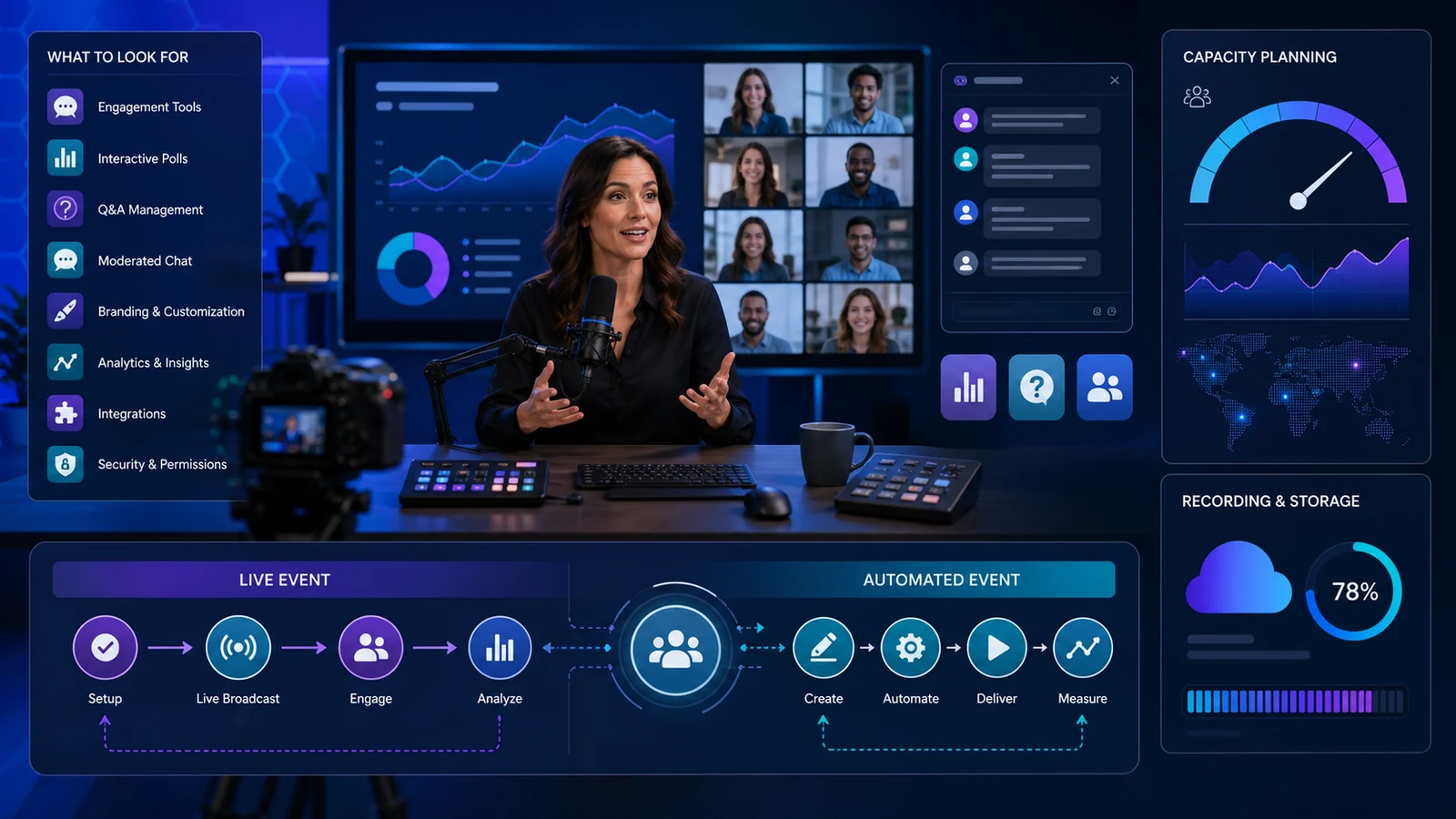
Define the event format
Separate live webinar, meeting, automated webinar, on-demand recording, paid event and large virtual conference needs. Each requires different presenter control, interaction and follow-up. Do not buy automation when the event depends on live discussion.
Map registration, reminders, waiting room, presentation, Q&A, recording and post-event email. Identify which steps must connect to CRM, learning or payment systems.
Size capacity from peak attendance
Use expected simultaneous attendees rather than registration count. Add a realistic margin for campaigns, but avoid paying for unused capacity all year. Confirm presenter and camera limits separately from audience seats.
By default, parallel events require extra capacity or an add-on. Organizations with multiple hosts should schedule test collisions and clarify subaccounts, permissions and billing control.
Test presenter and attendee experience
Run a rehearsal on typical browsers, networks and mobile devices. Test screen sharing, video clips, audio, polls, chat, Q&A and moderation. Assign roles and a backup host before the live date.
Measure upload bandwidth and use wired connections where practical. A platform feature cannot repair poor microphones, lighting or production procedures.
Plan recording storage
ClickMeeting's help centre lists recording allowances that vary by plan: trial accounts, Live and Automated plans have different hours. Recordings used by automated or on-demand webinars affect deletion and storage choices.
Download independent copies and document retention. The platform itself advises that archive storage should not be the only copy. Consent and privacy notices should cover recording and publication.
Evaluate automation and engagement
Automated events can repeat a presentation and support scheduled delivery, but audience expectations must be clear. Test whether polls, calls to action and simulated timing produce the intended experience without misleading attendees.
Compare attendance, watch time, questions and conversions rather than registration alone. Export data only to systems with a lawful purpose and appropriate access controls.
Calculate plan and add-on cost
Include attendee tier, recording, storage, presenters, parallel sessions, subaccounts, branding, streaming and support. ClickMeeting documents add-ons for these capabilities; cancellation can remove associated data, so export before the end date.
Review billing cycle, renewal, taxes and cancellation in the current account checkout. A monthly test can be sensible before annual commitment when event volume is uncertain.
Build a purchase worksheet
Record the exact product, dates or plan, required configuration, included items and current policy. Add delivery, installation, accessories, taxes, renewals and a realistic return-cost allowance. A promotion is not valuable when it leaves an essential requirement unresolved.
Save the product page, specification, policy and order confirmation. Recheck all material facts immediately before payment because availability, plan limits, policies and promotional terms can change after research.
Score each shortlisted option against the same requirements instead of changing priorities for whichever promotion looks strongest. Mark every uncertain answer and resolve it through current official documentation or written support. If an unresolved detail could make the purchase unusable, expensive to return or impossible to cancel, treat that uncertainty as a cost rather than assuming the most favorable outcome.
Comparison checklist
| Decision | Verify | Risk if ignored |
|---|---|---|
| Fit | Exact use and configuration | Unusable purchase |
| Specification | Features and inclusions | Unexpected cost |
| Delivery | Timing and practical handoff | Delay or damage |
| Policy | Cancellation, return and warranty | Limited remedy |
| Evidence | Save pages and receipts | Difficult claim |
Who should buy—and who should not?
ClickMeeting may suit shoppers whose exact requirements match its current range and terms. If compatibility, capacity, delivery or return exposure cannot be verified, compare an alternative with clearer support before committing.
Before checkout
- Confirm the exact model, dates, size, plan or configuration.
- Calculate delivered and ownership cost, not only the headline price.
- Read current regional cancellation, return, warranty and renewal terms.
- Save the controlling specification, policy and order confirmation.
Compare current ClickMeeting offers and browse related shopping categories before visiting the retailer.
How this guide was researched
CouponzWorld reviewed official product, policy and support material, separated merchant facts from editorial advice, and checked the cited sources on 14 August 2026. Temporary prices were not treated as permanent and no hands-on testing is claimed.