
Corsair sells memory, storage, power supplies, cases, cooling, gaming PCs and peripherals. Products may share an ecosystem, but a matching appearance does not prove electrical, mechanical or software compatibility. Build a requirement sheet around the computer and workload before choosing lighting or a promotion.
Start with the platform and workload
Record motherboard model, CPU socket, case, graphics card, power supply, operating system and target workload. Gaming, streaming and production applications stress different components. Use motherboard and processor documentation to confirm memory generation, capacity, module count and supported speeds; a high advertised speed may require a profile and is not guaranteed on every configuration.
Measure physical clearance
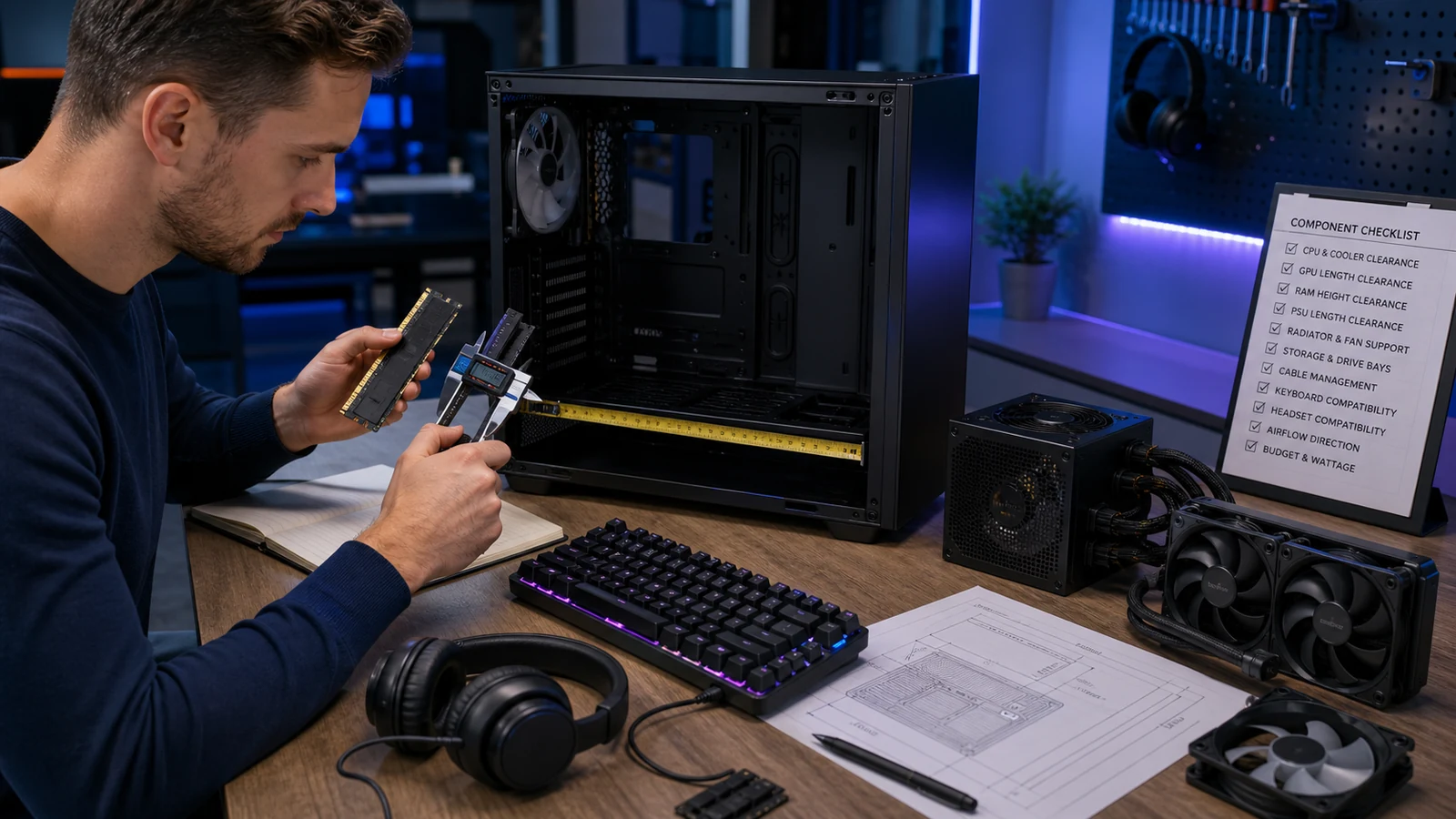
Compare case limits with graphics-card length and thickness, power-supply length, radiator position, fan stack, memory height and CPU-block clearance. Include cable bend radius and connector access. A component can fit numerically yet block a drive cage or prevent a side panel from closing.
| Component | Verify | Risk |
|---|---|---|
| Memory | DDR generation, kit, capacity and board support | Instability or no boot |
| PSU | Form factor, connectors, wattage and transient headroom | Unsafe adapter use or shutdown |
| Cooling | Socket, radiator, pump and airflow path | Poor temperatures or interference |
| Peripherals | Ports, platform and software support | Missing features |
Plan power and cooling as systems
Use realistic component power rather than adding only headline ratings. Confirm required GPU connectors and avoid mixing modular PSU cables from another model unless Corsair explicitly documents compatibility. For cooling, plan intake, exhaust, radiator orientation, dust control and service access. Custom liquid cooling requires extra design and leak-testing skill; improper assembly can fall outside warranty coverage.
Check software before creating an ecosystem
List devices that use iCUE or another utility, supported operating systems, required internal USB headers and firmware process. Test whether lighting, fan control, macros and hardware profiles behave without the software running. More synchronized devices can also mean more background services and troubleshooting dependencies.
Separate returns from warranty
Corsair’s current US direct-store policy states a 60-calendar-day return period for eligible direct purchases, with products repacked with accessories and documentation. Retailer purchases follow that retailer’s policy. Warranty periods vary substantially by category; the official warranty lists at least two years for new Corsair-branded products, with longer periods for several memory, SSD, PSU and cooling lines.
Keep serial numbers and proof of purchase. Back up and remove sensitive data before returning storage because the warranty policy says returned media is erased or destroyed rather than used for data recovery.
Check the merchant page again on the day you buy. Availability, regional eligibility, bundle contents and delivery estimates can change without notice. A useful deal is one that still matches the intended use after every compulsory cost and restriction is included, not simply the option with the largest headline number.
Compare the final delivered value
Build a short list using the same requirements for every option. Record the base price, mandatory accessories or services, shipping, tax, duty, installation, subscription or transfer charges and likely maintenance. Then score fit, evidence, support and return exposure separately. This prevents a large percentage discount from hiding an unsuitable specification or a costly remedy.
Prefer a current official specification over marketplace summaries and search snippets. If two official pages disagree, ask support to identify the controlling version in writing. Do not rely on an answer that omits the exact model, country, booking rate or order channel.
Plan the first inspection
Before delivery or arrival, prepare the measurements, tools, identification, booking documents or test files needed to verify the purchase promptly. Inspect before altering, installing, wearing, sizing or discarding packaging. Photograph the condition and labels. Report missing, damaged or incorrect elements within the merchant’s stated window rather than waiting until the return period is nearly over.
Use a written checkout record
Save the product or room page, exact model or rate, included items, delivery promise, policy and order confirmation. Recheck material facts immediately before payment because stock, specifications, promotional terms and regional policies can change after research. If an unanswered detail could make the purchase unusable or expensive to return, treat that uncertainty as a cost instead of assuming the most favorable outcome.
Final checklist
- Confirm the exact item, size, model, dates or configuration.
- Calculate delivered and ownership cost, not only the headline discount.
- Read the current return, cancellation and warranty terms.
- Keep screenshots, receipts and support messages.
Review current Corsair offers, browse related shopping categories and compare more CouponzWorld buying guides.
How this guide was researched
CouponzWorld reviewed official Corsair product, support and policy material on 15 August 2026. Merchant facts are separated from editorial advice, changing prices are not treated as permanent and no hands-on testing is claimed.