
Choose EaseUS backup, recovery and partition tools by the exact task, device condition, system compatibility, safe destination, licence and support terms.
Choose the job before the product
EaseUS offers separate products for backup, data recovery, partition management, transfer and multimedia tasks. Define one primary outcome: create a restorable backup, recover deleted data, resize a partition, migrate a system or move applications. A product that mentions disks is not automatically suitable for every disk operation. Match the current product comparison and user guide to the exact job and operating system.
Protect the source first
When data is missing, stop writing to the affected drive. Installing recovery software, downloading files or saving recovered items to the same device can overwrite recoverable space. If hardware is clicking, disconnecting, overheating or not detected reliably, repeated scanning can worsen the situation; consider a qualified recovery service. Software cannot guarantee recovery from physically damaged, overwritten or encrypted media.
Back up before partition or migration changes
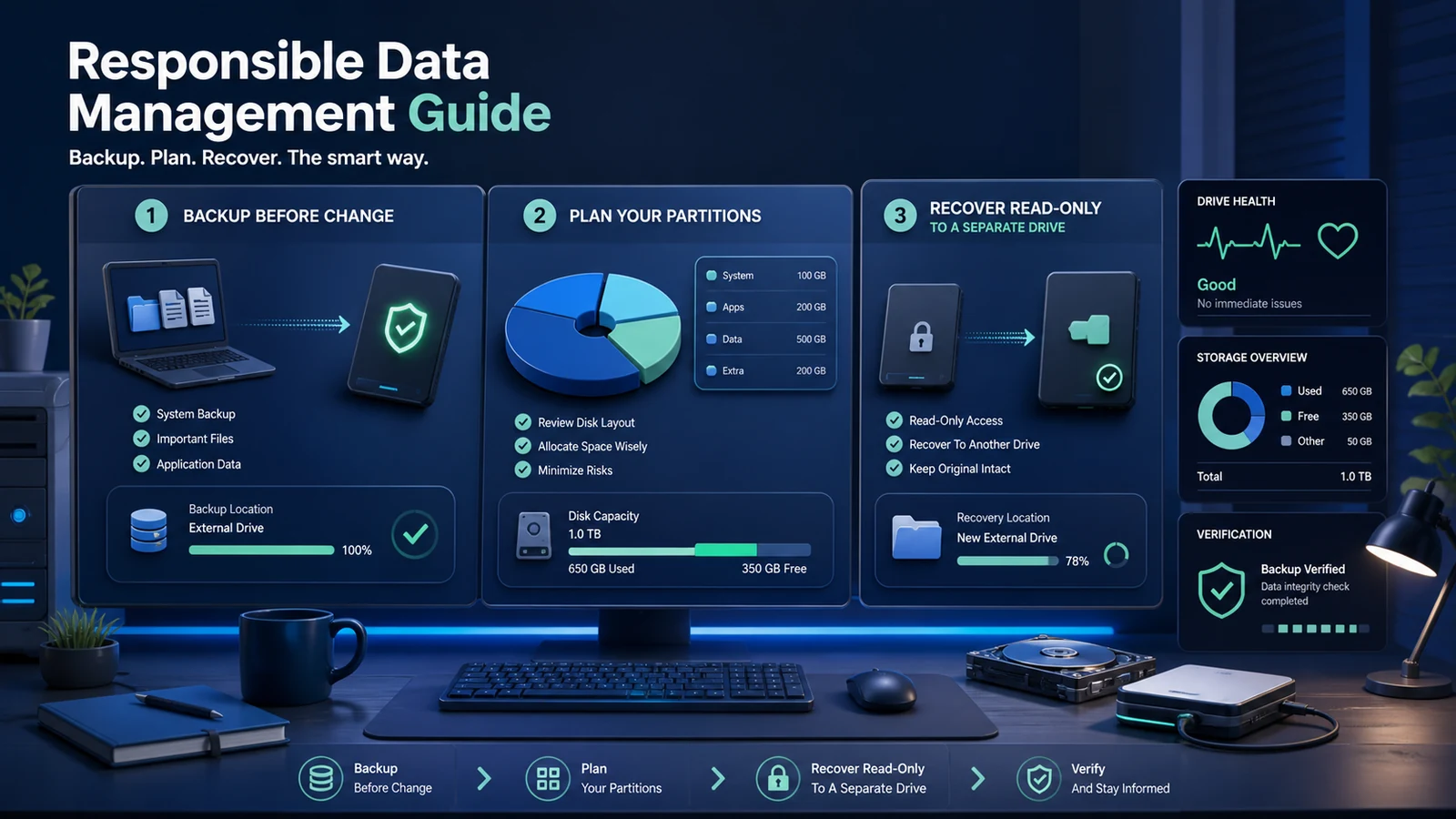
Partition resizing, cloning and operating-system migration change important disk structures. Create and verify an independent backup before starting, connect reliable power and close unnecessary applications. Read the operation preview carefully so source and destination are not reversed. For laptops, keep the charger attached. For encrypted drives, RAID, dynamic disks or dual-boot systems, confirm explicit support before proceeding.
Test system and file-system compatibility
Record Windows or macOS version, processor type, file system, drive interface, capacity, encryption and storage condition. Check whether the selected edition supports the device and feature. A trial may scan or preview without allowing full recovery, so separate diagnostic value from paid export. Do not purchase merely because a scan lists filenames; preview representative files and verify they open correctly.
Use a safe recovery destination
Recover files to a different healthy drive with enough free space. Preserve the original media until the recovered copy has been checked, backed up and sampled. Open different document, photo, archive and video types rather than trusting file counts alone. Record folder structure and timestamps if they matter. Malware or corrupted executables should not be restored blindly into a production computer.
Compare licences and renewals
Check whether the offer is monthly, annual, lifetime for a version, technician or business use; how many computers it covers; and whether upgrades and support continue. A perpetual licence may not include every future major version. Record auto-renewal, tax, platform and activation-transfer rules. Use the official checkout and avoid unverified licence sellers that may create support or malware risks.
Understand refund evidence
Software refund policies often require troubleshooting and may exclude successful use, change of mind or unsupported expectations. Save screenshots, logs, order details and support correspondence. Contact support before buying when a device, file system or recovery scenario is unclear. Do not continue destructive experiments while waiting for a refund decision.
EaseUS decision table
| Decision | Verify | Why it matters |
|---|---|---|
| Task | Backup, recovery, partition, transfer or media | Wrong product |
| Source | Health, file system, encryption and writes | Lower recovery chance |
| Destination | Separate healthy storage with capacity | Overwrite or incomplete copy |
| Licence | Term, devices, updates and business rights | Unexpected renewal |
| Evidence | Preview, logs, receipt and support case | Weak claim |
Compare current EaseUS Data Safety offers, browse related shopping categories, and review current coupons and deals.
How this guide was researched
CouponzWorld reviewed official product, policy and support material on 15 August 2026, separated merchant facts from editorial guidance, and did not treat temporary prices as permanent.
Official sources
Final verification record
Immediately before payment, save the exact product or service, selected edition or model, region, final price, included items, controlling terms and the date checked. Mark important requirements as confirmed, uncertain or not applicable. Resolve every uncertainty that could change safety, compatibility, eligibility, cancellation rights, data protection or total cost through current official documentation or written support. Keep the receipt and confirmation so a later claim can be compared with the information available when the decision was made.
Recheck the final basket rather than relying on an earlier category page. Availability, taxes, subscriptions, accessories and promotional conditions can change between research and checkout. Compare alternatives against the same specification, time period and support level; otherwise the apparent winner may simply include less. Include delivery, setup, required accessories, recurring supplies, conversion charges and realistic support costs before ranking the options. Save screenshots of any condition that materially affects your choice.
Run a limited pilot before moving an important workflow, expensive order or safety-critical load. Record the result, exceptions and staff time. A controlled test reveals missing compatibility, unclear responsibilities and recurring work that a feature list cannot show, while preserving a practical fallback if the preferred option fails.